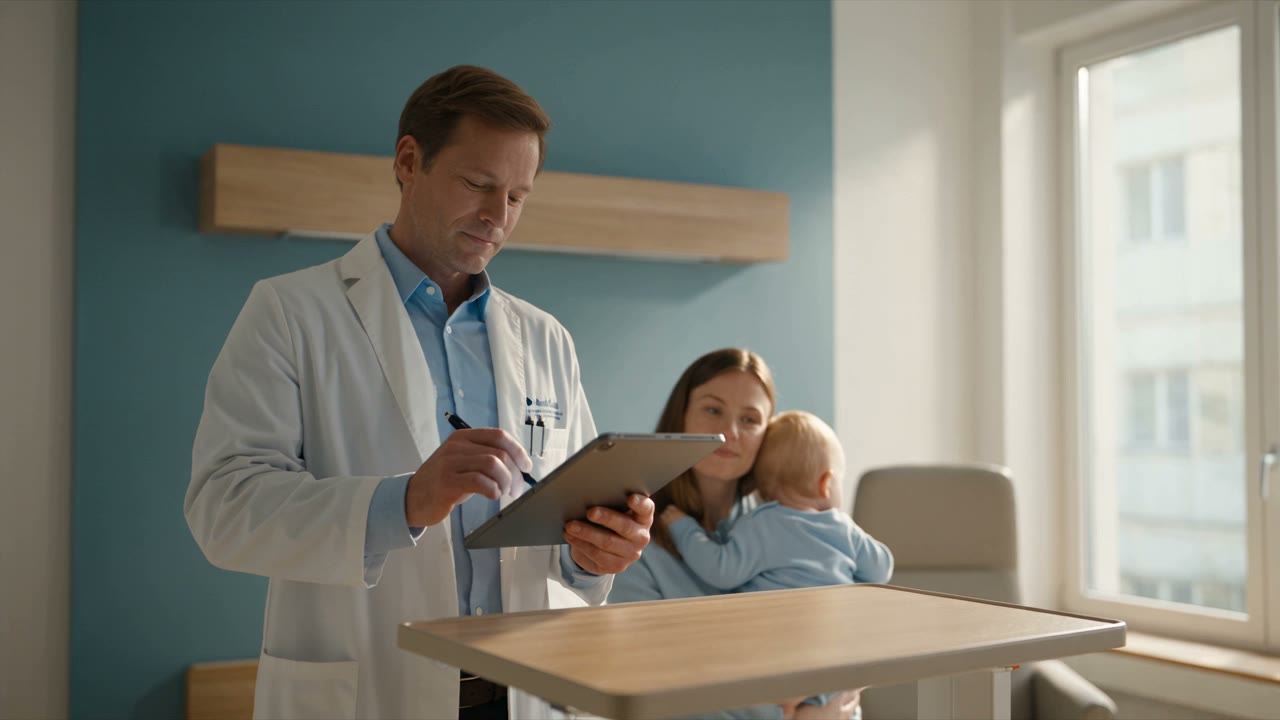

AI suggests; clinicians decide
Assistants in Dudoxx draft, retrieve, extract and summarise; the clinical decision stays with a person. A proposal stays a proposal until someone with the right role reviews it.
Facing the patient, not the screen.
Clinic software with AI assistants at every desk: less time searching, more time with patients.
In the doctor's office, before the first patient of the day
Asked at the desk
What needs me first this morning?
On the screen
None of this is care. It is looking for things, and that is the part Dudoxx takes over.
Five moments from an ordinary day, each with the screen the person sees. Every screen is the real product, shown with demo data.
Step 1 of 5Reception
inbox sorted · replies drafted
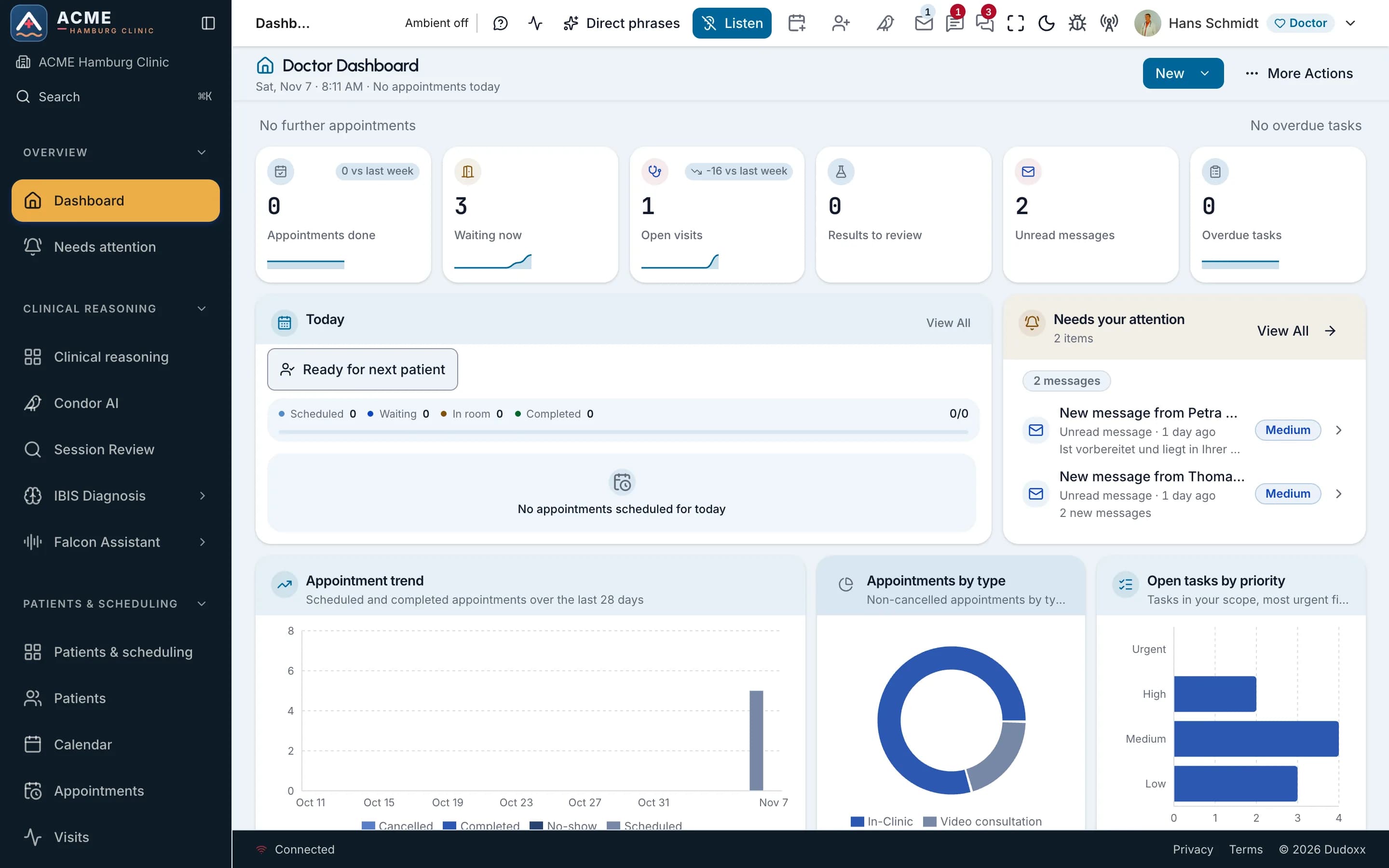
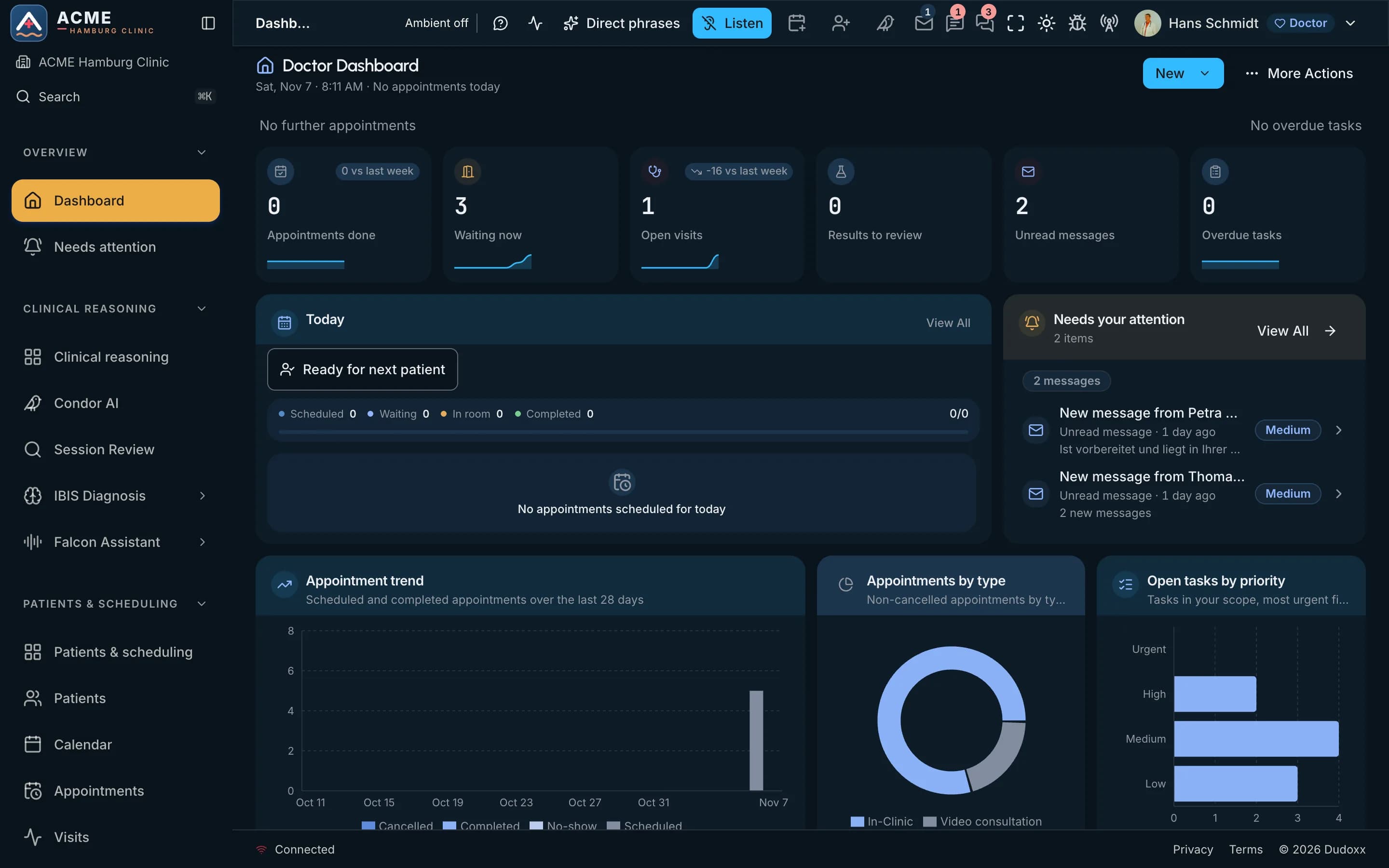
Before the doors open, the morning's messages are already in one place.
Patient messages sit in one inbox, each sorted to the right desk and each with a drafted reply. Reception reads every draft, adds a personal word where one is needed and sends it. Nothing goes out without a person.
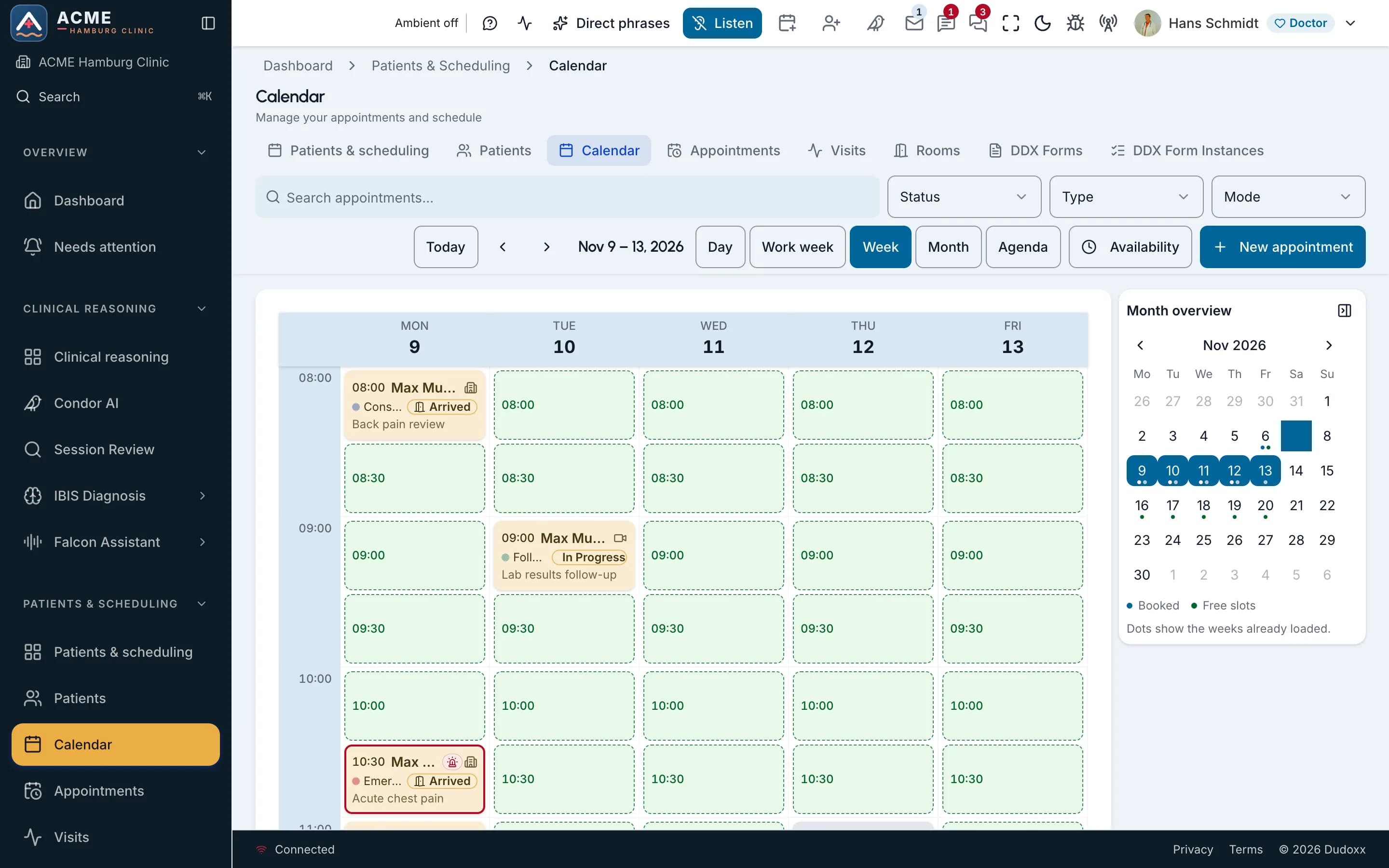
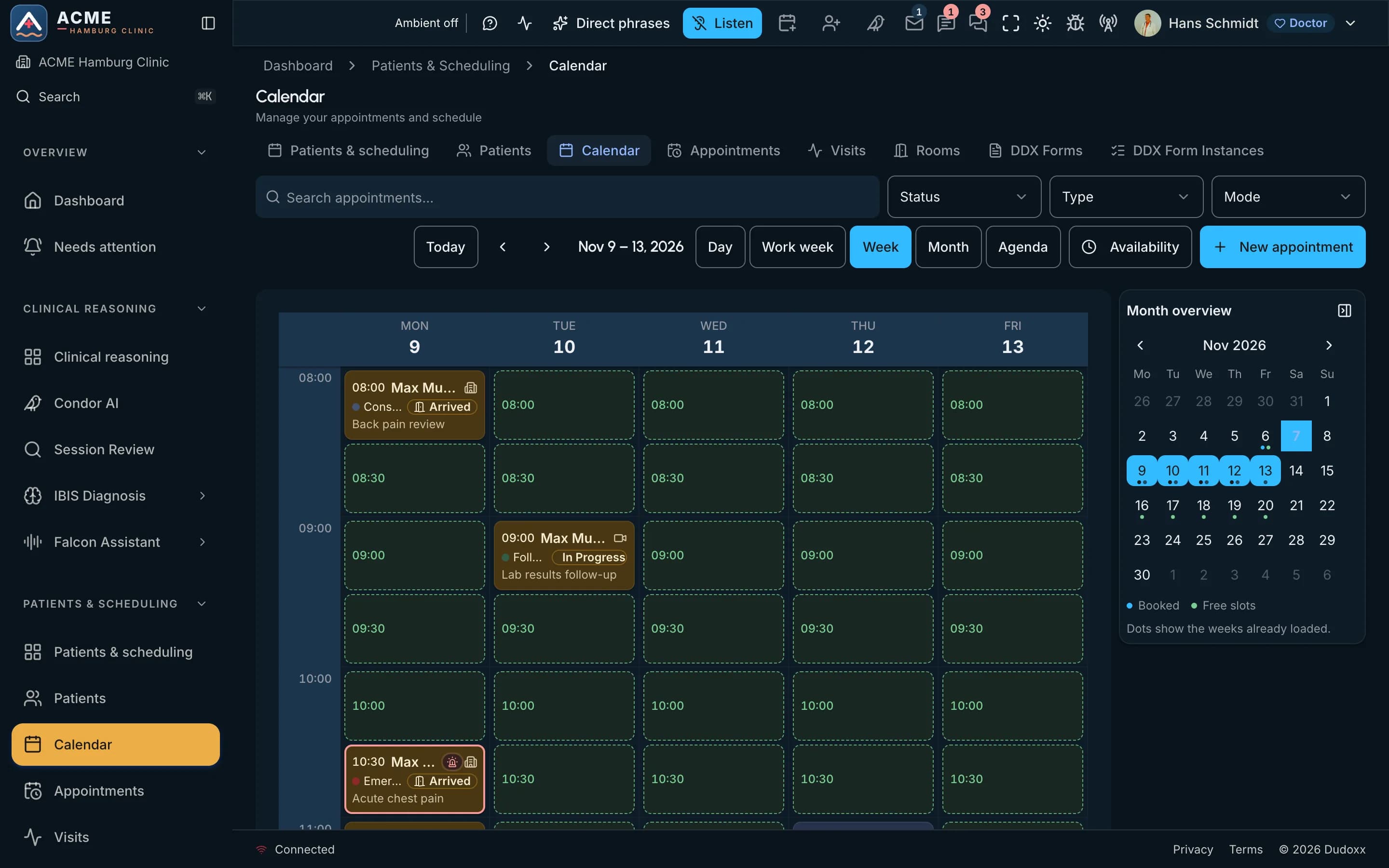
On the screen is the week calendar: booked visits with their status, beside the free slots. Patients who answered their forms at home through a guest link arrive already known, so the first conversation at the desk is about them, not about paperwork.
On the screen
Step 2 of 5Consultation
plan in view · the doctor decides
The doctor walks into the room already knowing the story.
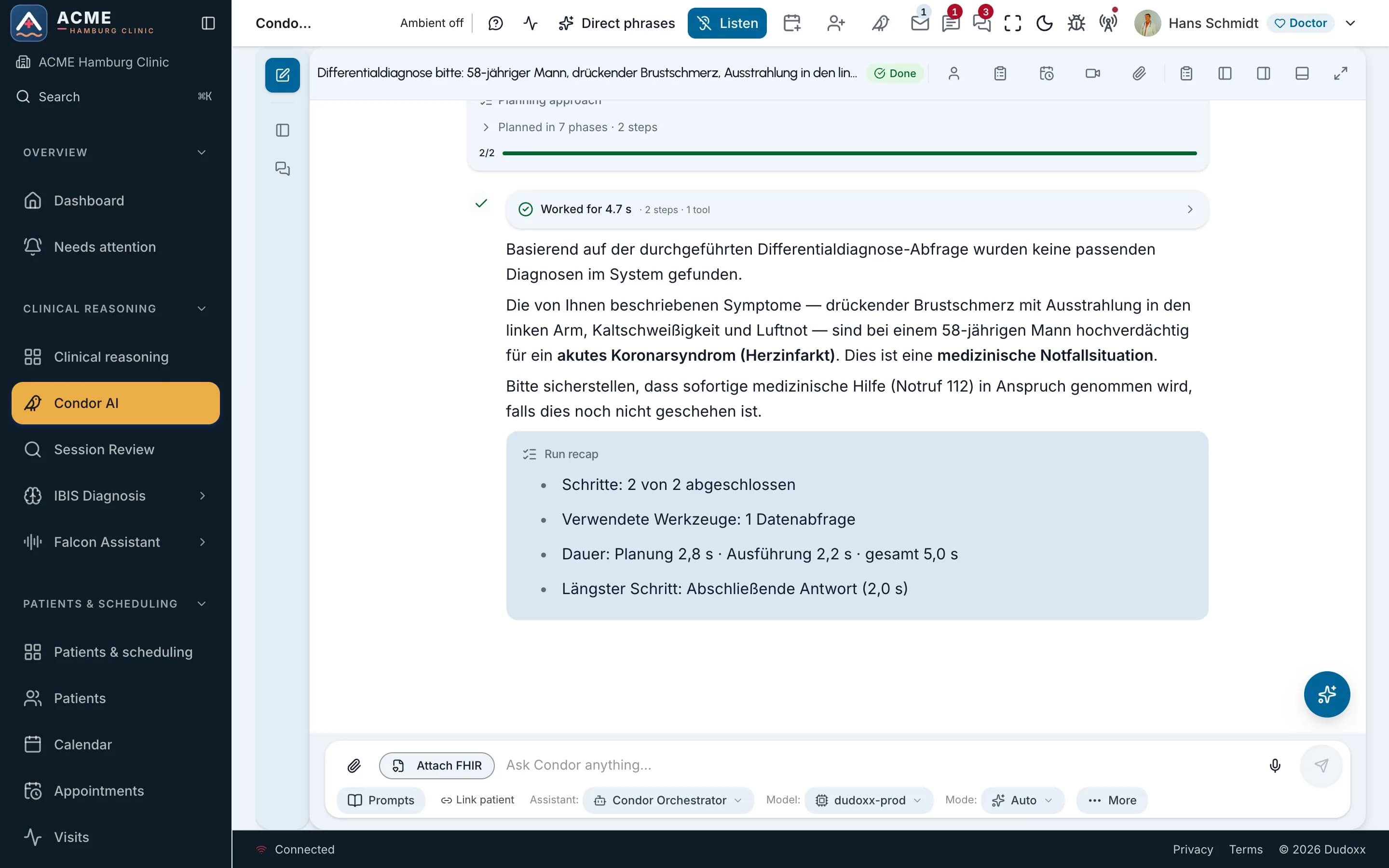
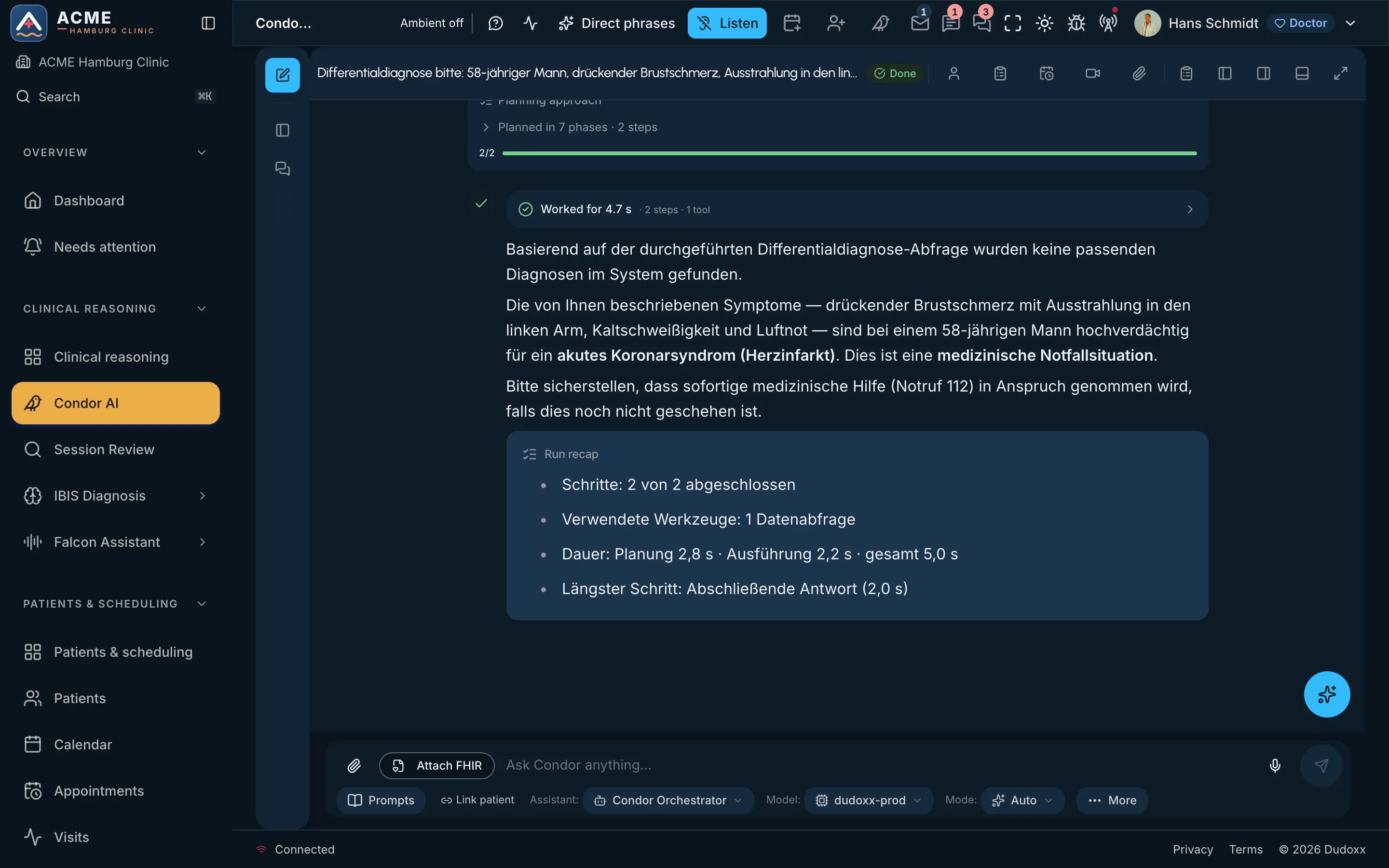
Condor gathers what the doctor needs to know about the patient and plans its steps in view. The screen shows a finished run: the question exactly as it was asked, the plan with its phases and steps above the answer, and a recap of the steps, the tools and the time it took.
The doctor reviews each step and decides: the AI suggests, the doctor decides. Attention goes to the patient, not to finding the file.
On the screen
Step 3 of 5Documents desk
letters read · filed to the chart
The letter tray stays empty, and the chart stays complete.
Scanned referral letters and outside reports are read and filed to the right patient's record. The letter that came in this morning is part of the chart before the next visit.
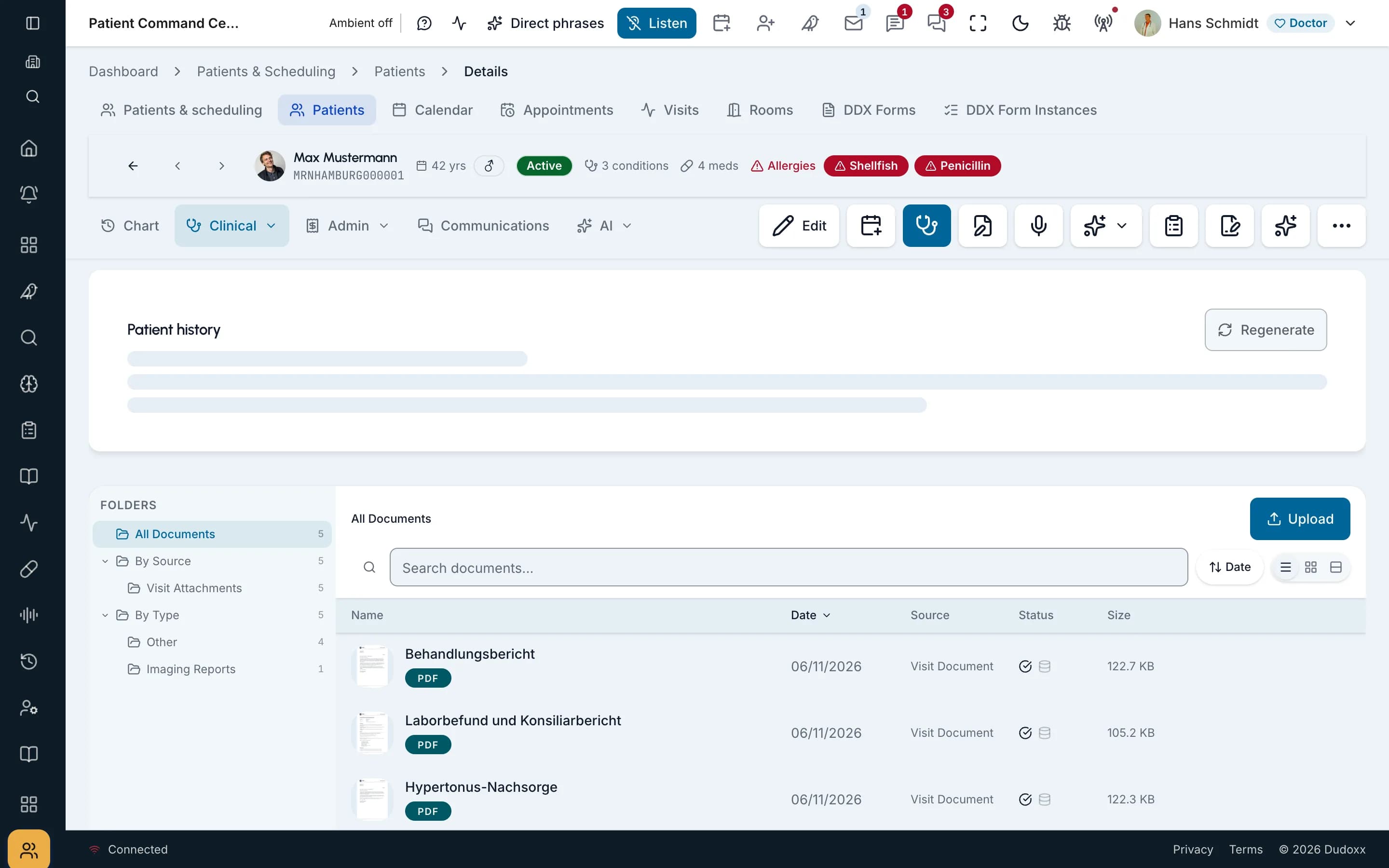
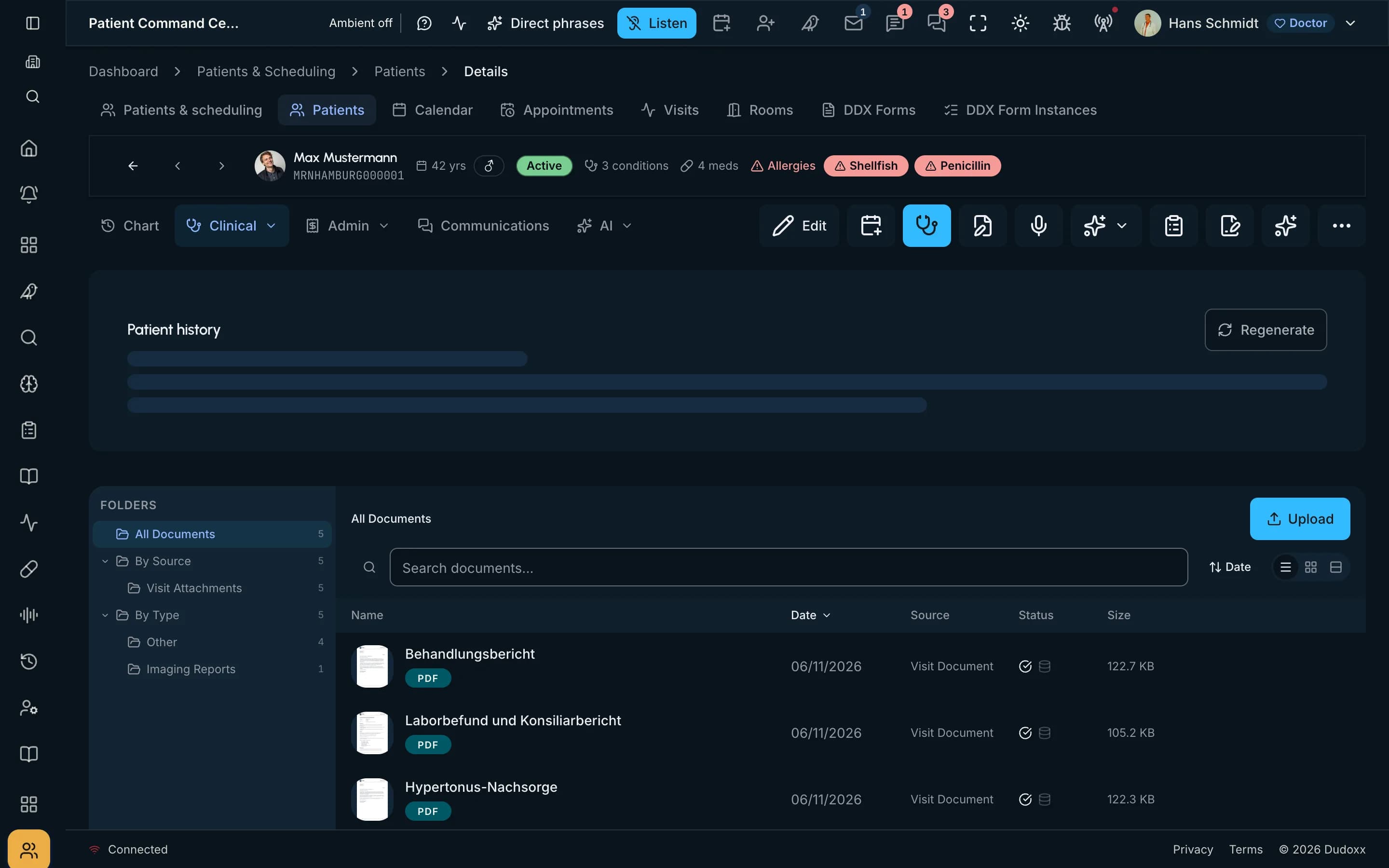
The screen shows the document list of one patient: the folders, the files and where each one came from, so anyone at the desk can see what arrived and from whom. Handwriting still needs a person, and we say so.
On the screen
Step 4 of 5Treatment room
said out loud · worked on in Dudoxx
Between two patients, a request is simply said out loud.
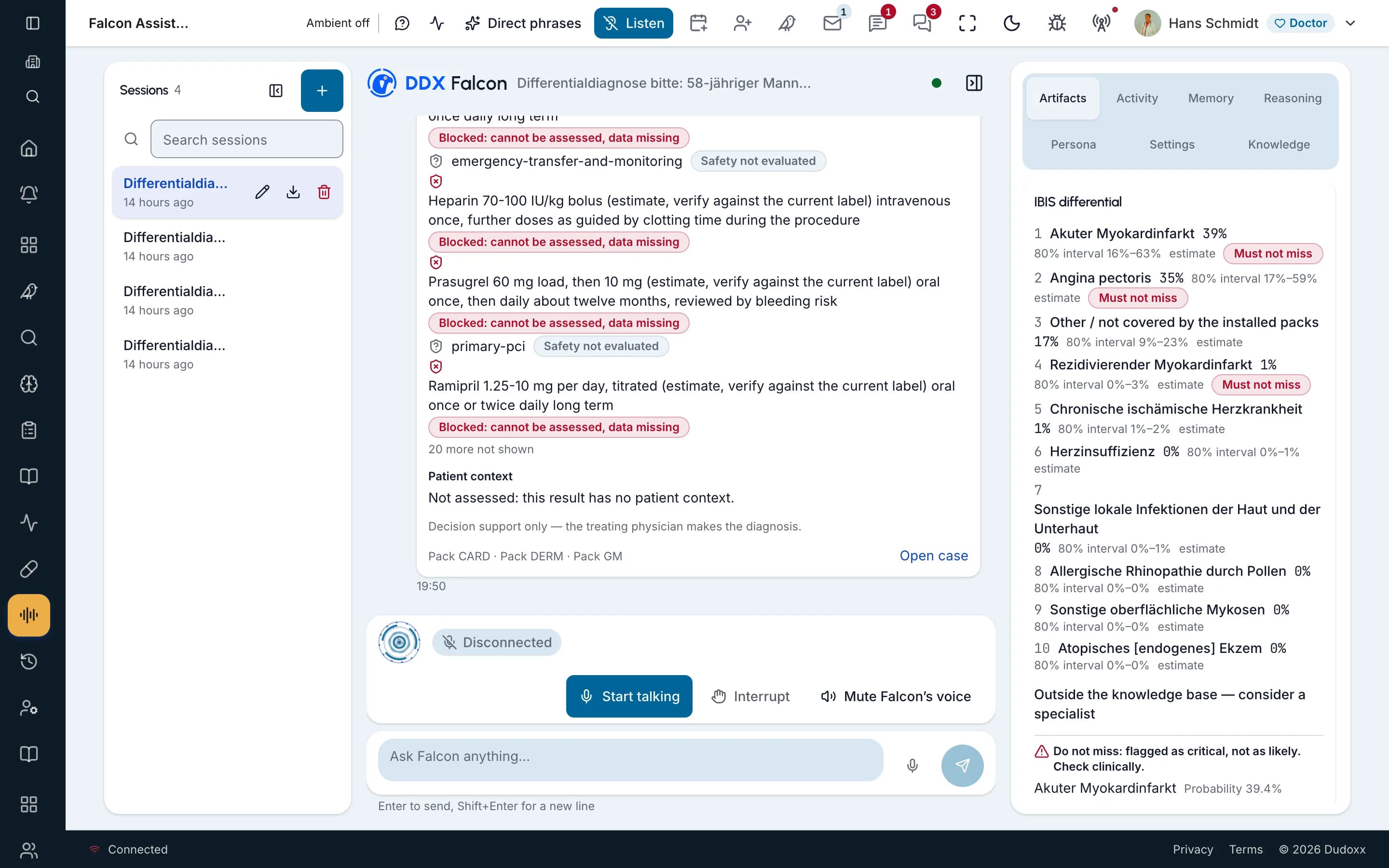
Someone on the team tells Falcon what they need, by voice or by typing, and Falcon works on the request in Dudoxx. The screen shows a Falcon session: the conversation, the voice controls and the differential beside it.
The person who asked stays in charge of what happens next. Later in the afternoon, a patient joins a video follow-up from the virtual waiting room, and the doctor lets them in.
On the screen
Step 5 of 5Doctor's office
drafts signed · invoices in a list
At the end of the day, letters start as drafts, not a blank page.
AI drafts the letters from the visit data. The doctor reads each draft, corrects what needs correcting and signs it.
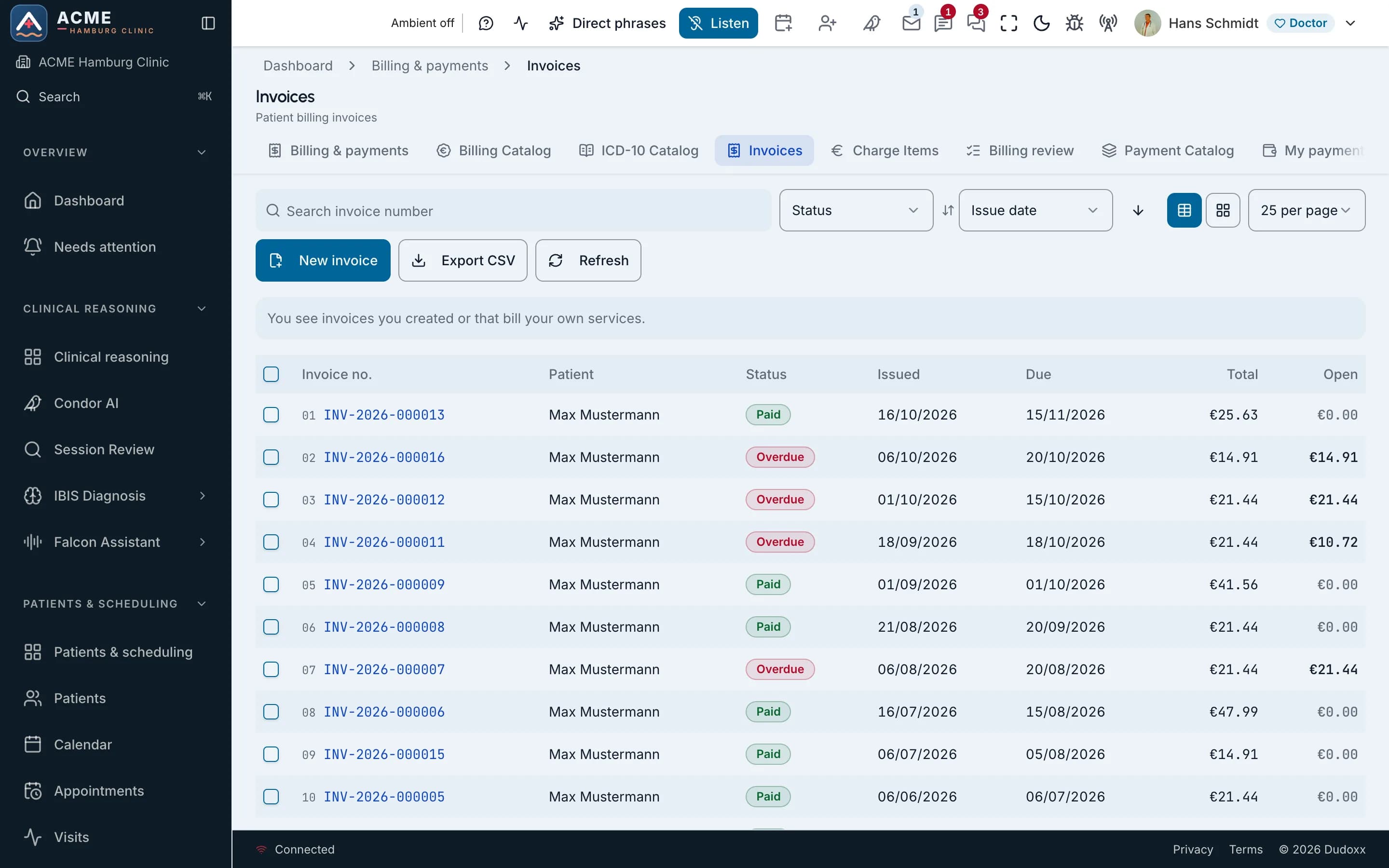
In the office, the invoices that are still open sit in one list, not in a pile. The screen shows that list: the status of each invoice, its dates, the total and the amount still open.
On the screen
7+
AI assistants, one family
10+
role portals and access layers on one record, and more to come
4+
languages on this site, and more to come
19+
specialty pages on this site, and more to come
FHIRR4+R5
open standard for the patient record, with R5 in beta
The numbers keep growing. Dudoxx is built in tiers, so more roles, layers, languages, specialties, extensions and add-ons can be added without limit.
200+
Each tool is one concrete action: read clinical data, book or move an appointment, draft a document, prepare an invoice or send a message. The assistants pick the tool that fits the request.
The assistants keep the context of the patient, the conversation and the clinic across sessions. When you come back to a case, the assistant still knows what was said and what it concerns.
The assistants plan work that takes several steps and carry it out in order. Your clinic can save a workflow and reuse it, and the doctor reviews each step.
100+
The rules keep every assistant action inside your clinic's policy. An action the policy does not allow is not carried out.
It checks what an assistant may see and say about protected health information (PHI). It also runs on premises, on your clinic's own servers.
Assistants make the data work faster; they do not take over the judgement about what belongs in a patient's record. A drafted reply, a suggested code or a letter waits for a person to review it.
Run Dudoxx in our cloud or on your own premises. Each clinic's data is isolated. Data is encrypted in transit and at rest.
One principle comes first. Three decisions about the record, the servers and the languages follow from it.
Assistants in Dudoxx draft, retrieve, extract and summarise; the clinical decision stays with a person. A proposal stays a proposal until someone with the right role reviews it.
History, findings, notes and letters come from one patient record and go back into it, for every desk to see. When something changes, it changes once, and the doctor, the front desk and accounting all see the change in the same place.
Run Dudoxx in our cloud or on your own premises. Each clinic's data is isolated.
This site is written in English, German, French and Spanish, with the same content in each.
Each assistant takes over one part of the data work and hands the decision back to the clinician.
the clinical assistant
Condor gathers what you need to know about the patient, plans its steps where you can see them and asks for approval before actions that change records. AI suggests; clinicians decide.
Read about Condorvoice and typed assistant
The assistant staff speak or type to, at the desk and in the treatment room.
Read about Falconpatient messages
Gathers patient messages into one inbox and drafts a reply for staff to send.
Read about Parrotclinical knowledge
Brings medical knowledge to the case at hand, with advisory differential suggestions.
Read about IBISpaper case-report forms
Reads paper case-report forms into field data, with human review.
Read about Sentinelplatform help
Answers how-to questions about using Dudoxx: built-in help for the team.
Read about Phoenixwhere it began
Our first orchestrator, built with the MVP in 2023–2024.
Read about ToucanChoose your role to see what Dudoxx offers you and where to read on.
Structured visit notes, and drafts you review and sign off.
Records, scheduling, documentation, billing and clinical AI in one workspace. Every desk works on the same patient record, and the assistants take over the gathering, finding, searching and reading.
No. Dudoxx makes the software your clinic works with. Your appointments, forms and documents are on your clinic’s own web address.
Integrate with an AI-native platform built on FHIR R4, an open standard. The technical partner surface is real today; the commercial program is being designed with our first partners.
Dudoxx is a Hamburg-based healthcare software company. We build one AI-native workbench where assistants take over the data work around each patient, so every role in the clinic gets the information it needs, fast.
Dudoxx AI HMS brings records, scheduling, documentation, billing and clinical AI into one workspace, built in Hamburg.
Narrated manuals walk through the real portal screens: the doctor’s day, Condor and patient messages.
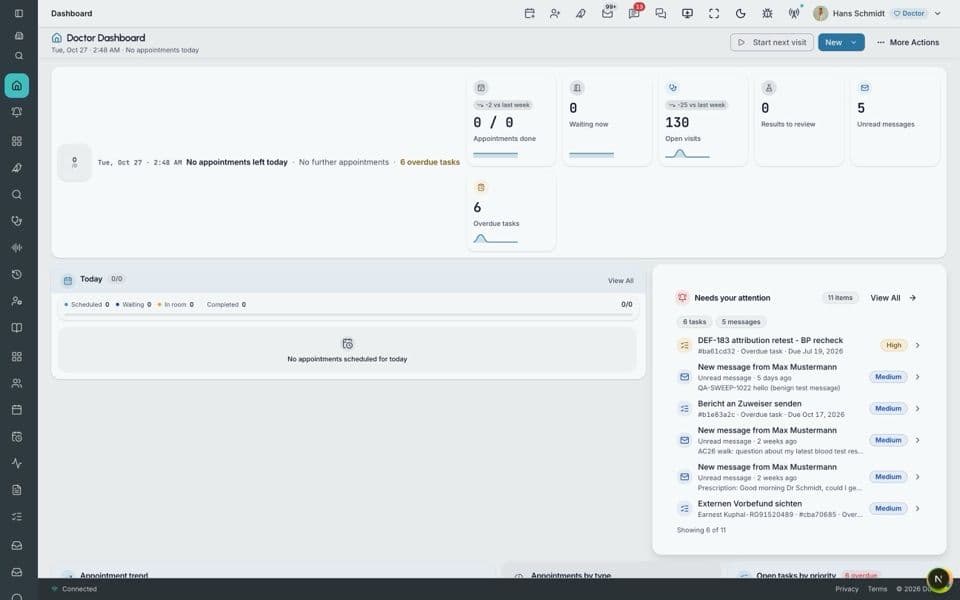
A doctor’s day in the portal, from the dashboard and the patient record to the visit, prescriptions, invoices and reports.
Watch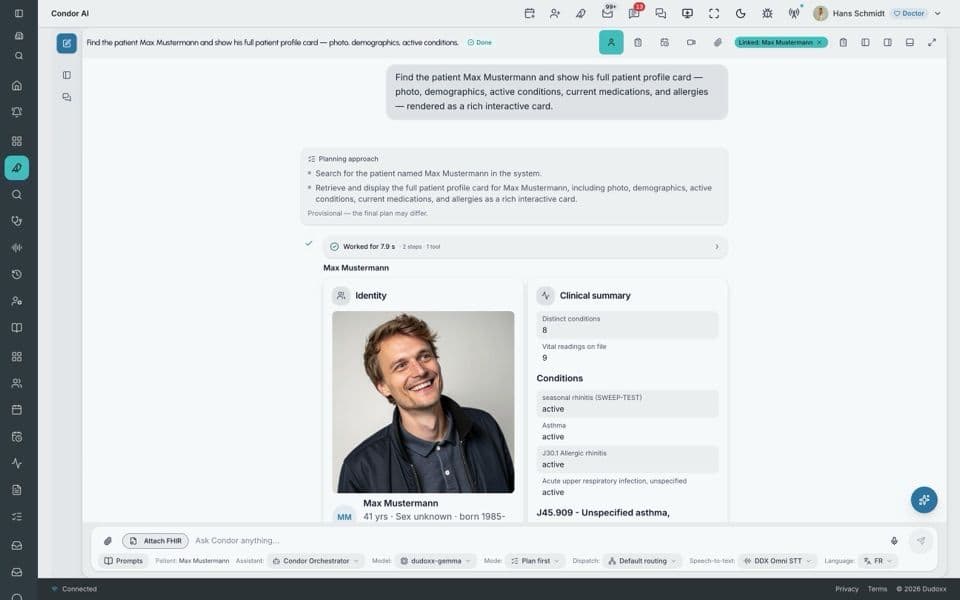
The Dudoxx AI assistant: where it lives, how to prompt it for medicine, and how it plans, runs and reports its work.
Watch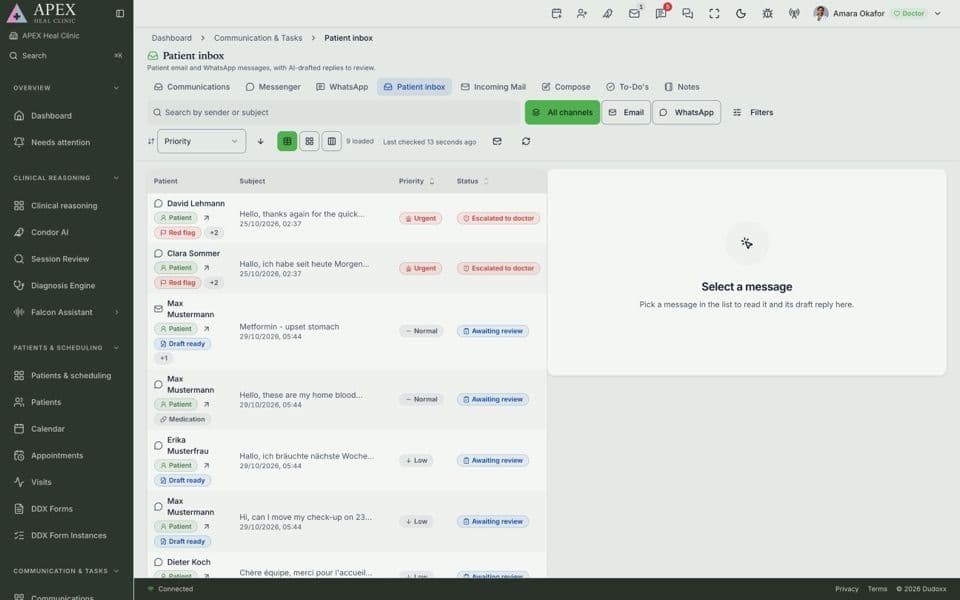
Patient messages in one place: the patient’s context, the Patient inbox, WhatsApp and mail, forms and consents.
WatchDudoxx AI HMS is an AI-native hospital management system from a Hamburg-based healthcare software company. Records, scheduling, documentation, billing and clinical AI sit in one workspace, around one patient record. Its assistants gather, find, search and read the patient's data, so each desk gets accurate answers faster and with fewer errors.
You choose. Dudoxx comes as SaaS, on-premises or hybrid delivery, so it runs in our cloud or on your own premises. Each clinic's data is isolated, and data is encrypted in transit and at rest. The platform is built on FHIR R4, an open standard, and is GDPR-aligned by design, a principle built into how it handles data.
Clinicians do. AI suggests; clinicians decide. The assistants gather and read the data and propose a next step, and Condor plans its steps and shows them as it works. A suggested code, a draft or a finding is there for a clinician to review, so the decision stays with the person who treats the patient.