

Skip to content

Is this my clinic’s portal?

Care that keeps you informed.

No. Dudoxx makes the software your clinic works with. Your appointments, forms and documents are on your clinic’s own web address.

How to reach your clinic

  1. Use your clinic’s address

    Your clinic has its own web address. You find it on the clinic’s website, in its messages to you or at the desk.

  2. Sign in there

    Sign in with the account your clinic set up with you.

  3. Ask your clinic

    For appointments or results, call or write to your clinic. Dudoxx cannot answer for it.

In an emergency, call your local emergency number.

Watch how it works

A narrated tour of the real screens, chapter by chapter.

The patient

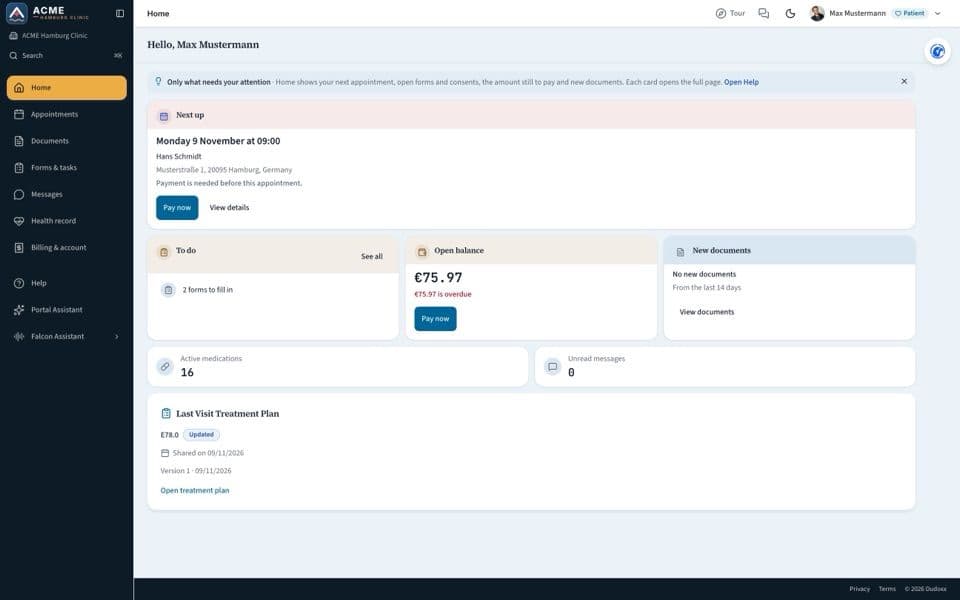
The patient portal: book a visit, pay ahead or later, pay an invoice, documents, messages and help.

Narrated in: English13 chapters

All manuals

What the portal lets you do

What you see depends on what your clinic has switched on.

  • Online booking

    Book your visit online and, where your clinic asks for it, pay by card.

  • Before arrival

    Answer your forms at home through a secure guest link, with no app to install.

  • Video visits

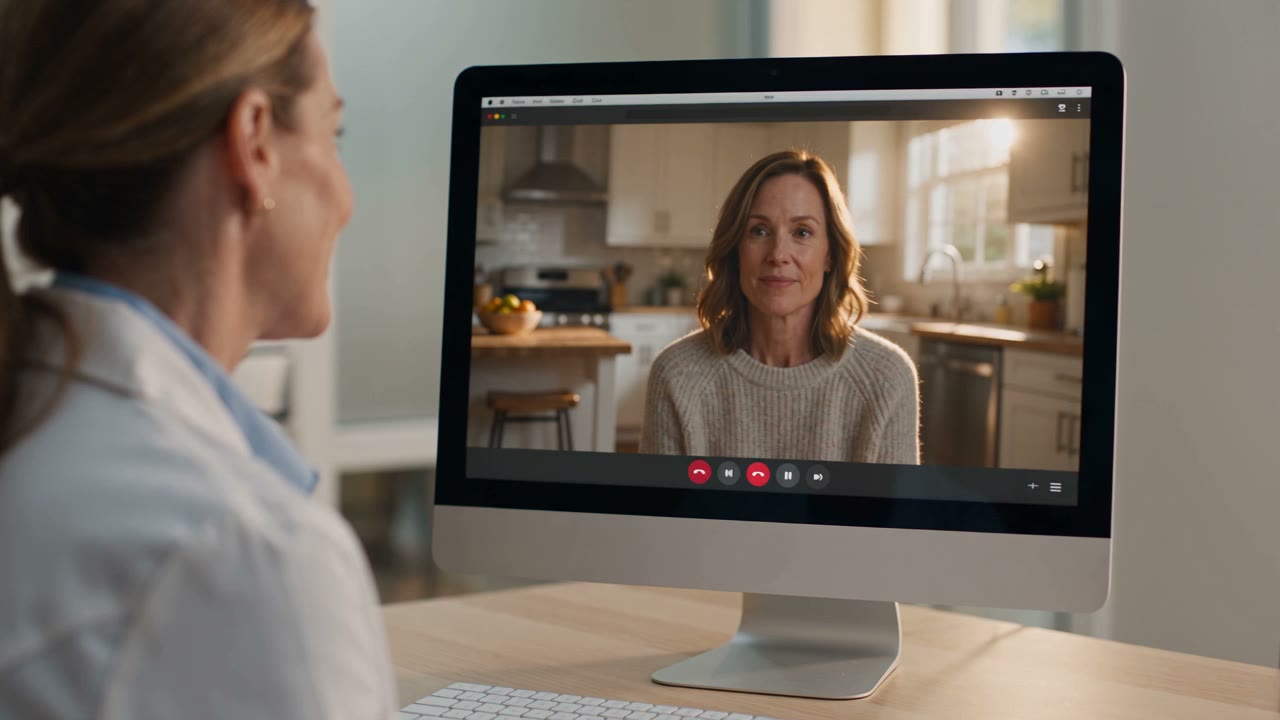
    Join your video visit from a virtual waiting room; the doctor lets you in.

  • Documents

    See the documents your clinic shares with you and send documents back.

A patient’s path in six steps: book online, answer the form at home, visit, documents, pay by card, message the clinic Six steps for a patient. The patient books online, with payment where the clinic asks for it. The form is answered at home through a secure guest link or QR code, with no app to install. The visit takes place in the room or as a video visit with a virtual waiting room. Through the patient portal the patient sees the documents the clinic shares and can send documents back. The patient pays online by card where the clinic offers it. Patients can write to the clinic: Parrot drafts a reply and staff send it, so nothing goes out without a person. Book online with payment where the clinic asks 1 Form at home guest link or QR code, no app to install 2 The visit in the room, or by video with a virtual waiting room 3 Documents both ways see what the clinic shares, send documents back 4 Pay online by card, where the clinic offers it 5 Parrot Write to the clinic Parrot drafts, staff send: nothing goes out unseen 6 a person checks

A patient’s path in six steps: book online, answer the form at home, the visit in the room or by video, documents both ways, pay by card, and write to the clinic.

Open the full diagram (opens in a new tab)

Questions patients ask

Your clinic is the place to ask.

This website describes the software for clinics. It takes no bookings and answers no medical questions.