Watch Dudoxx AI HMS at work, desk by desk
Read before you decide.
Narrated tours of the real portal screens, one for each role and assistant. Each manual plays in your browser, chapter by chapter.

Start with the doctor’s day
A working day in the portal, chapter by chapter. Play it here or open it on its own page.
The doctor’s manual
A doctor’s day in the portal, from the dashboard and the patient record to the visit, prescriptions, invoices and reports.
Every manual, by who it is for
Doctors
The consultation, the record and the paperwork after it.
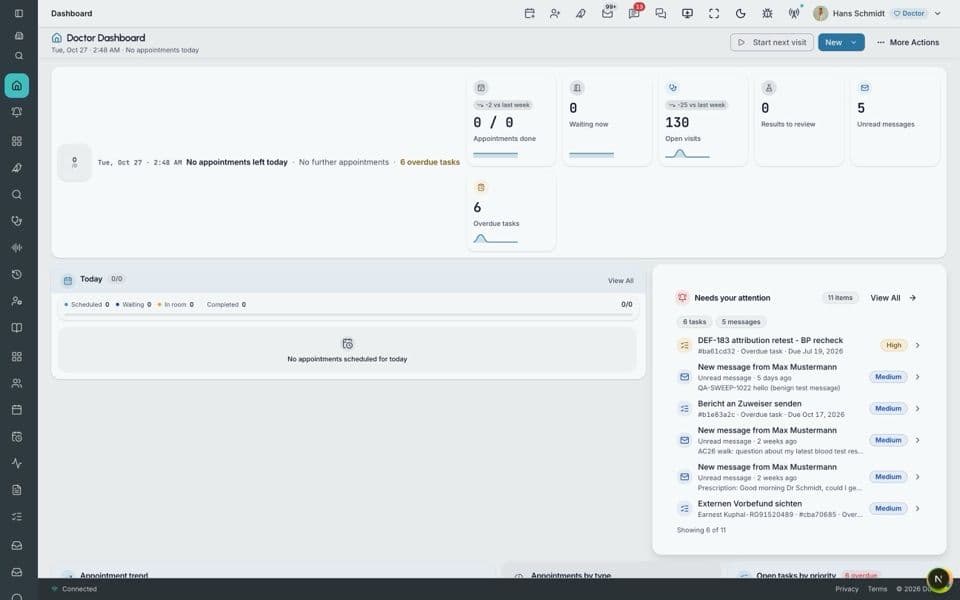
The doctor’s manual
A doctor’s day in the portal, from the dashboard and the patient record to the visit, prescriptions, invoices and reports.
Watch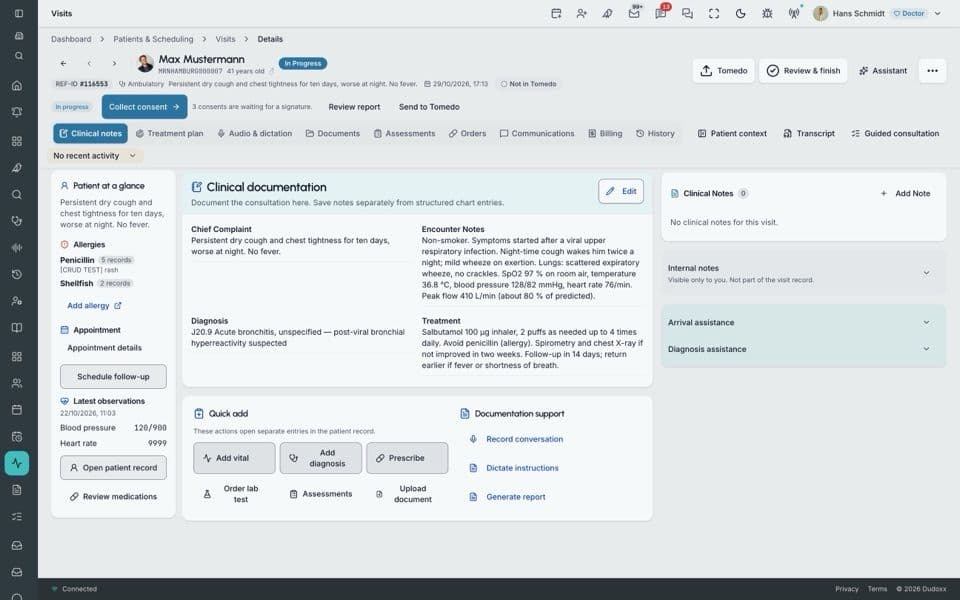
A doctor’s daily flow
One working day with the recommended next steps: booking, the visit, prescriptions, the video visit, the report, Tomedo and the invoice.
Watch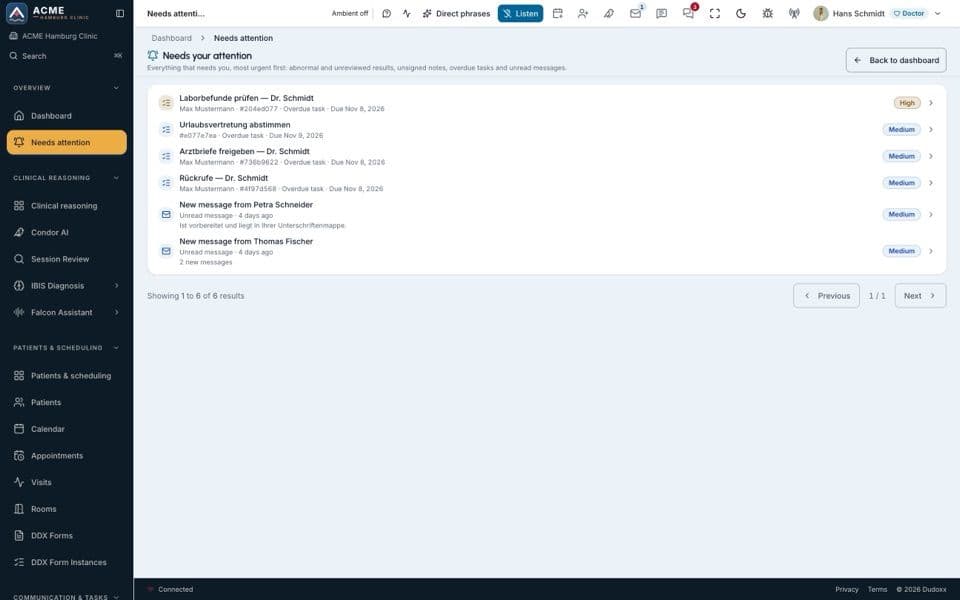
The doctor
Every surface a doctor uses: the day, the schedule, the visit, prescriptions, charges, invoices, documents and the AI assistants.
Watch
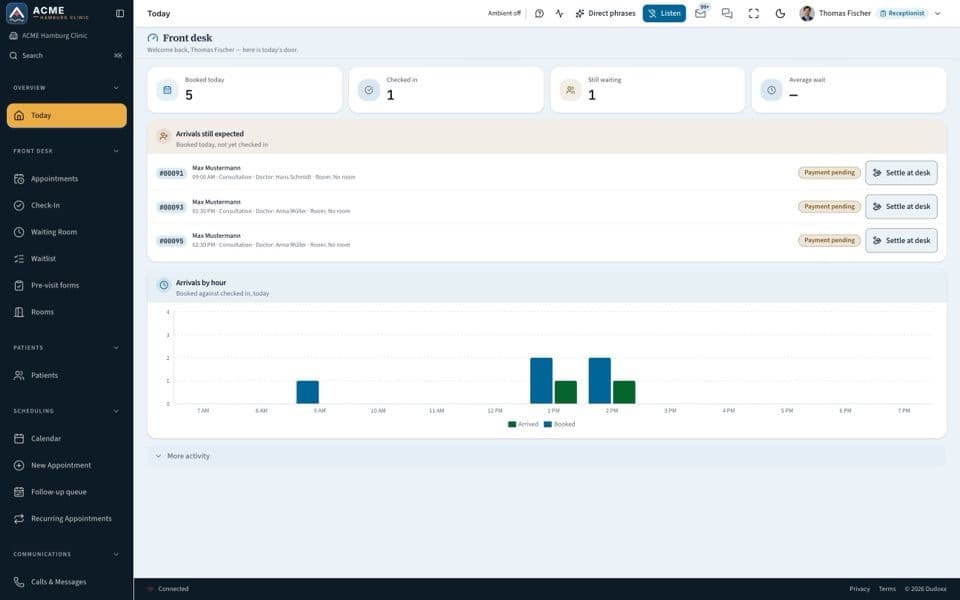
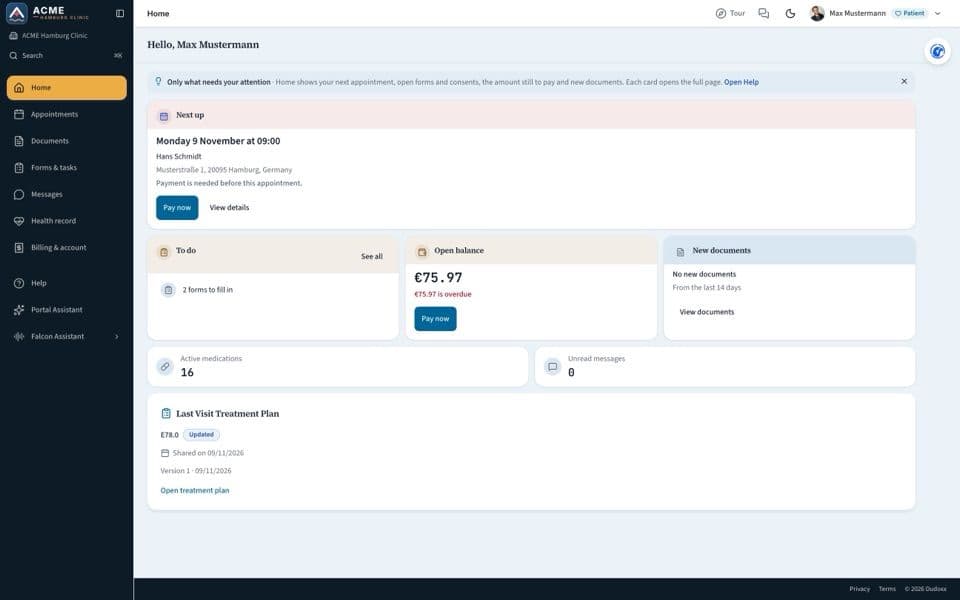
Reception and front desk
Bookings, check-in, payment and the patient portal.
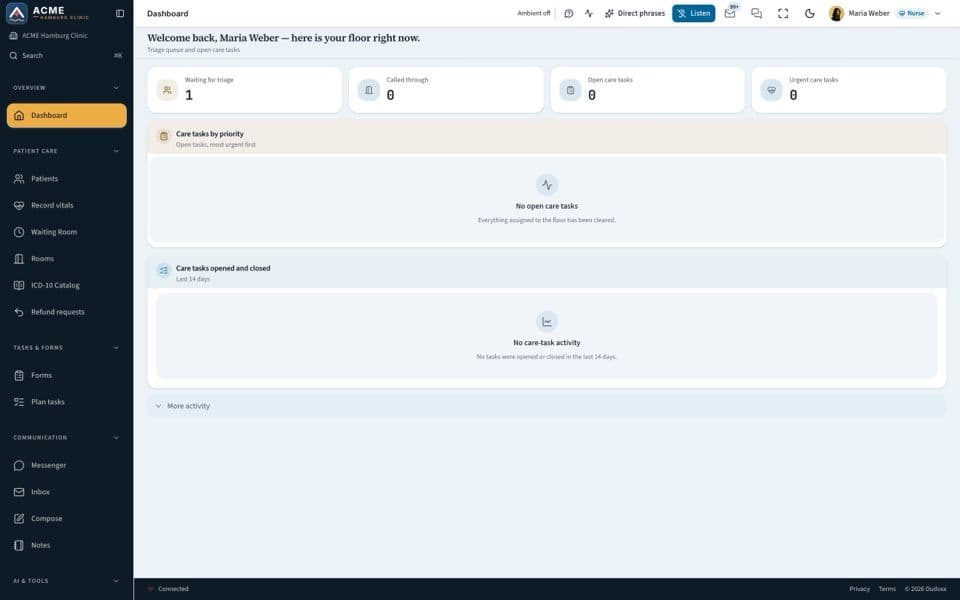
Nursing and care team
Vital signs, rooms, the waiting room and the support desk.
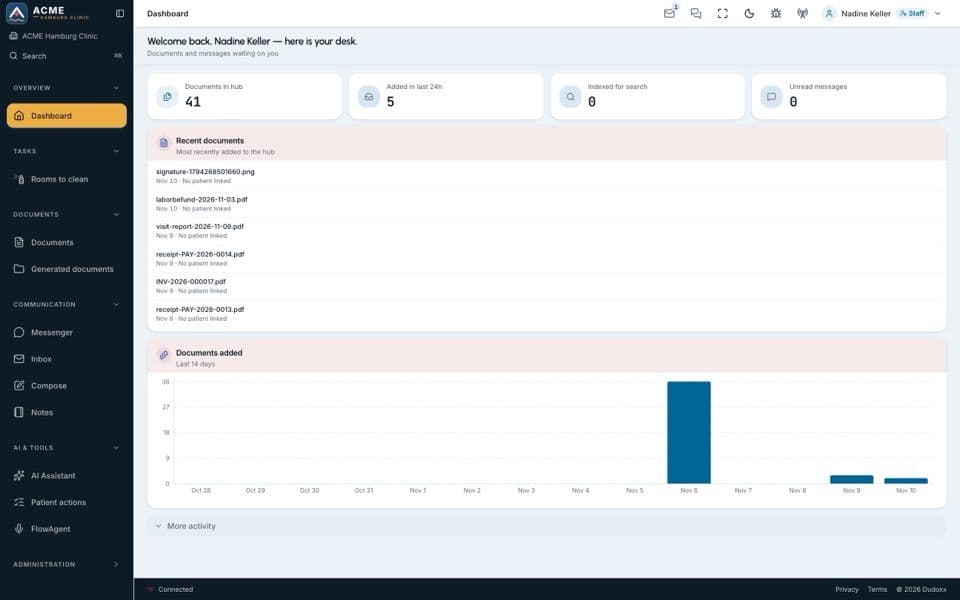
Accounting and billing
Invoices from visit charges, payments, the ledger and reports.
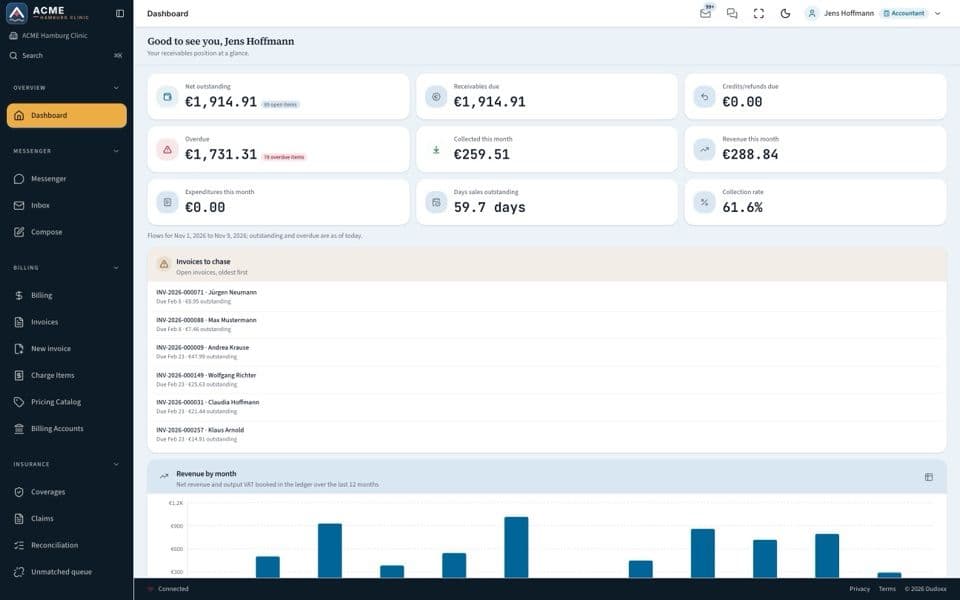
Clinic administration
One clinic or the whole organisation: rooms, people, access and settings.
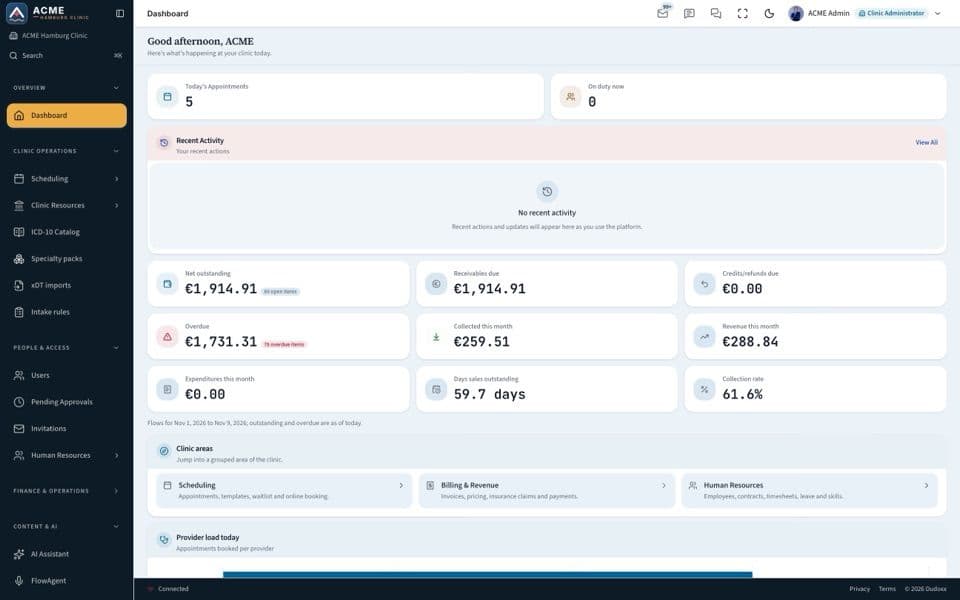
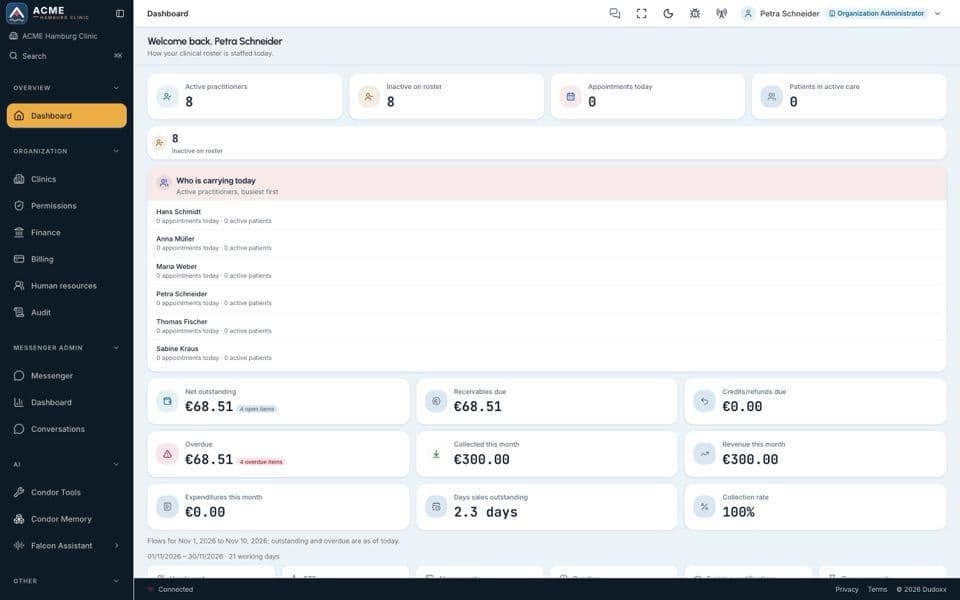
AI assistants
Condor, IBIS, patient messages and Falcon by voice.
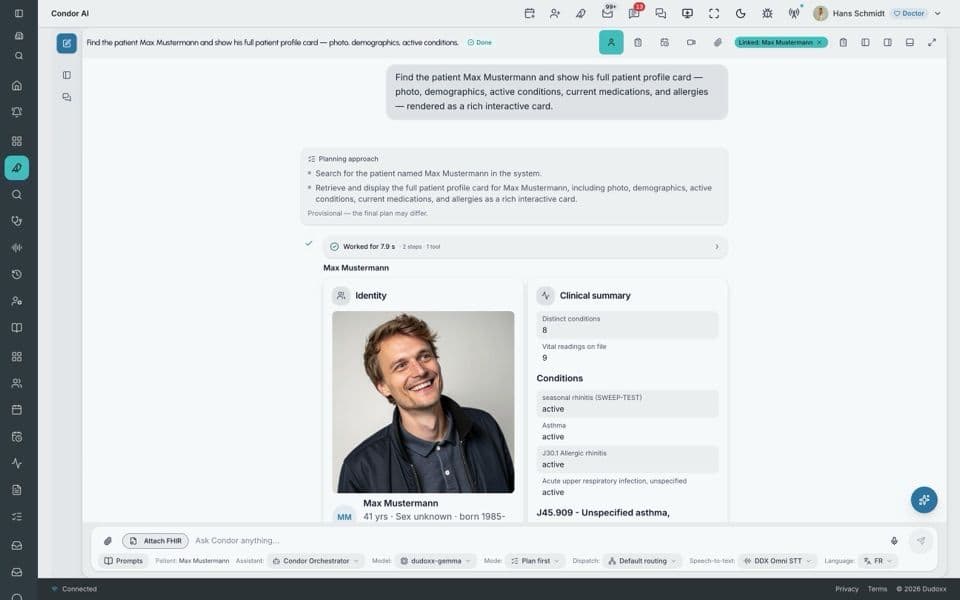
Working with Condor
The Dudoxx AI assistant: where it lives, how to prompt it for medicine, and how it plans, runs and reports its work.
Watch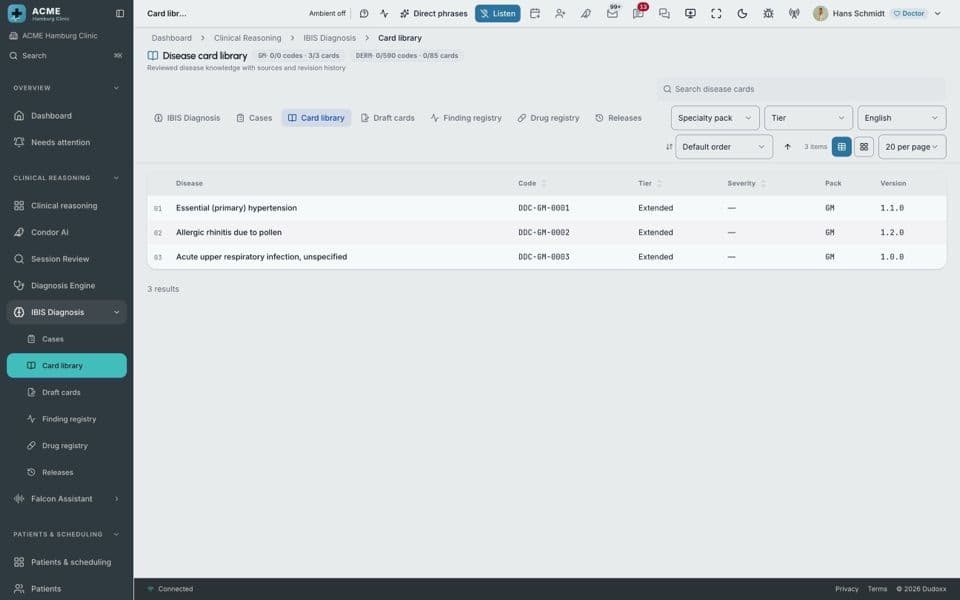
The IBIS diagnosis engine
What we built and what it can't do yet: the architecture, the data flows, the screens per role and the path to production.
Watch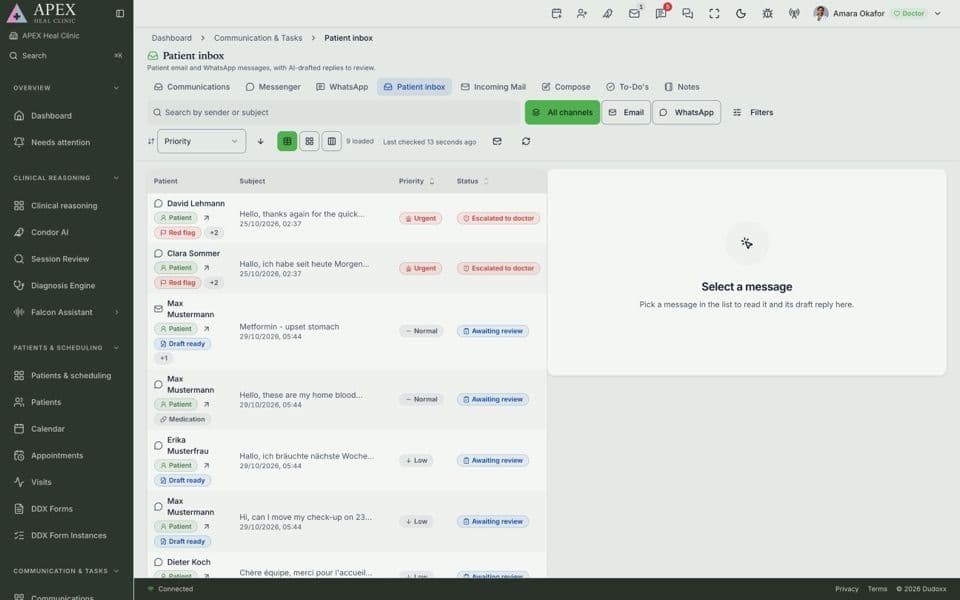
The Communication Manager
Patient messages in one place: the patient’s context, the Patient inbox, WhatsApp and mail, forms and consents.
Watch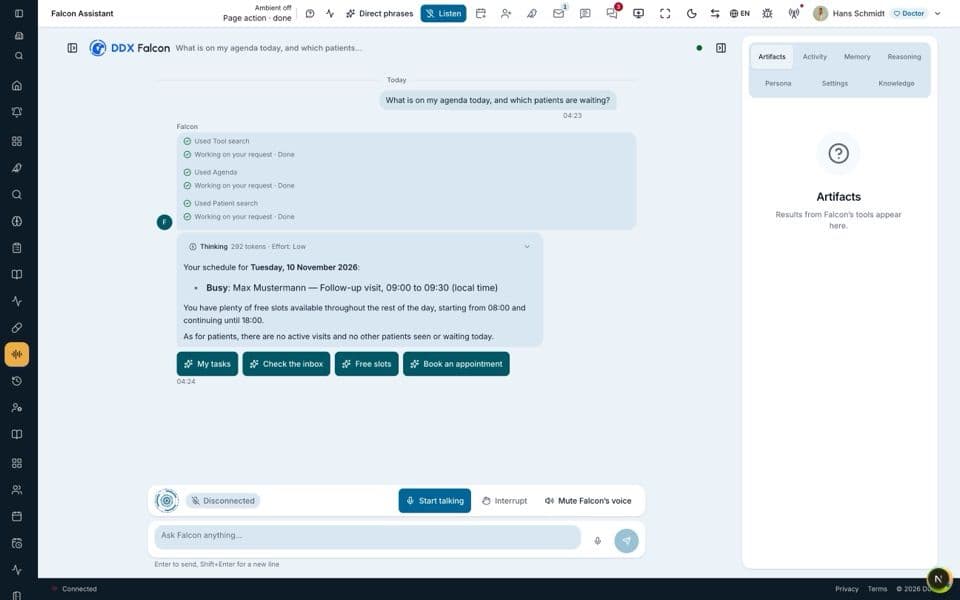
Falcon and voice
Falcon on top of Condor, ambient voice commands across the platform, and how the assistants use your data.
Watch
Platform
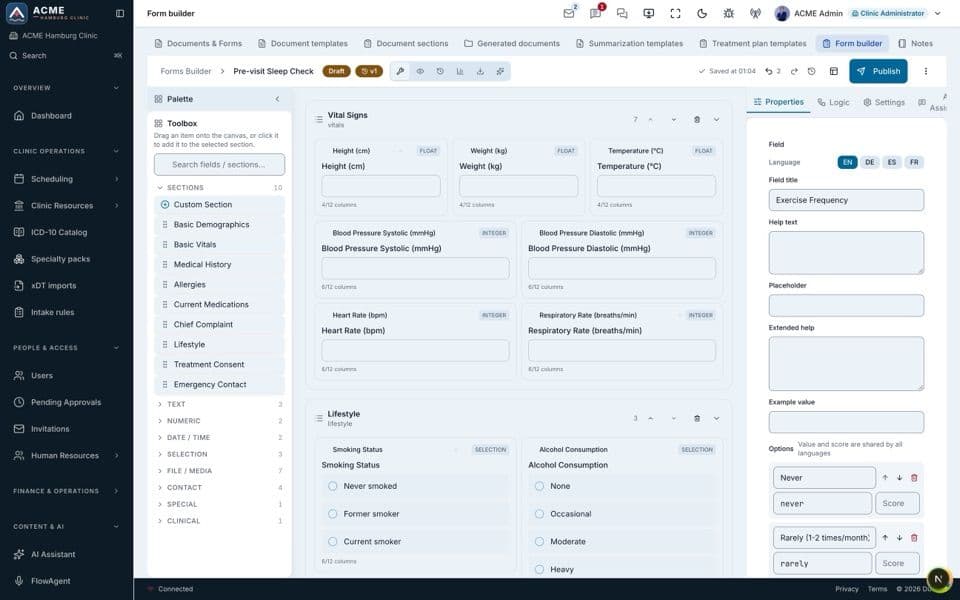
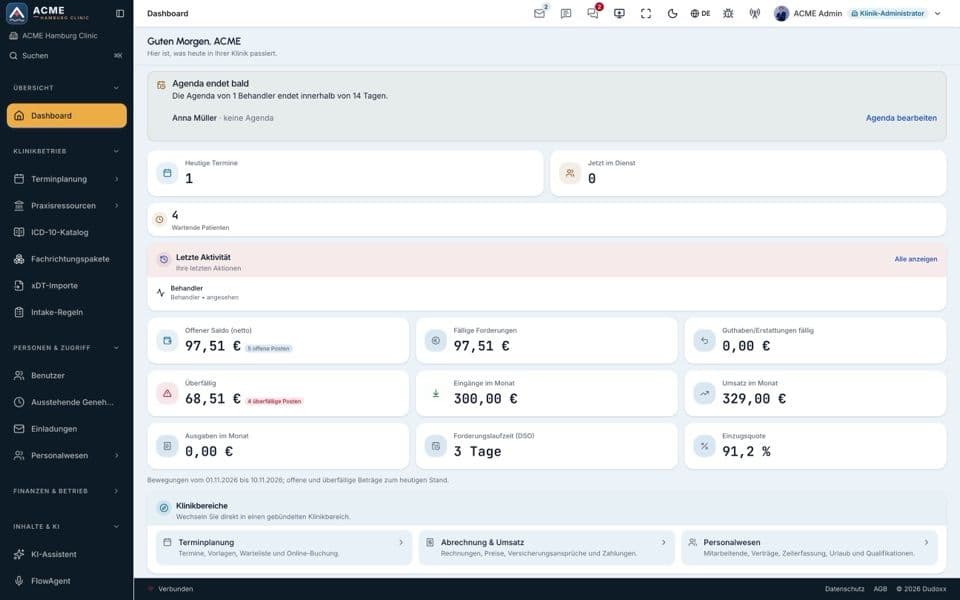
Forms and templates, roles and permissions, and the four languages.
For IT teams
Installing the platform, for developers and for production sites.
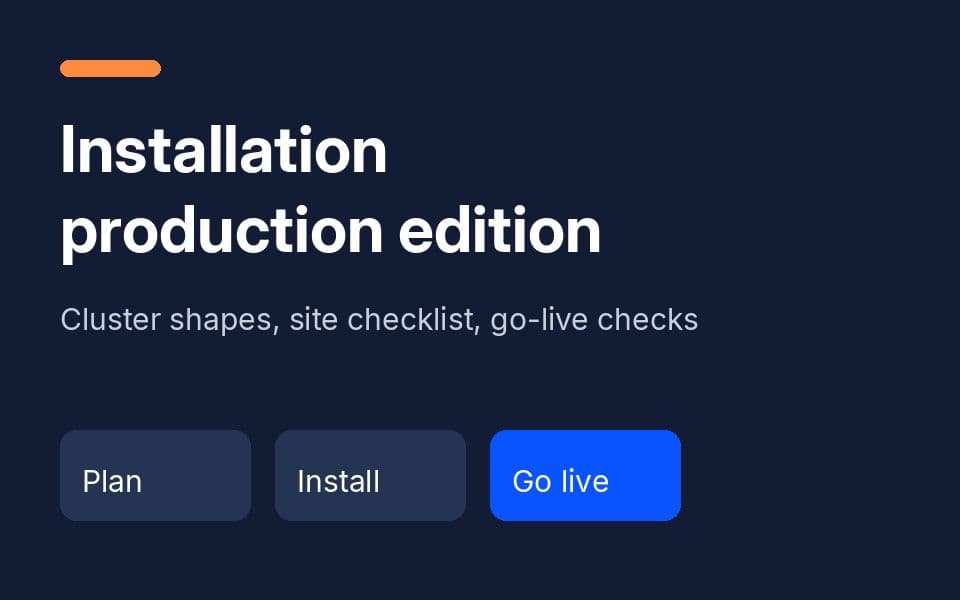
Installing Dudoxx AI HMS — production edition
For architects and partners: cluster shapes, site checklist, topology, the install step contract, go-live checks, backups and handover.
Watch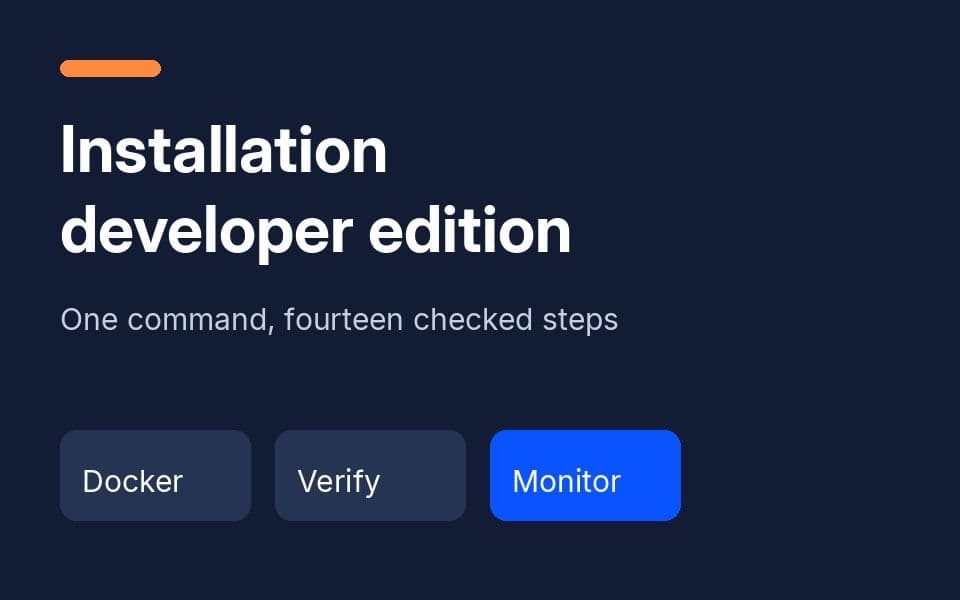
Installing Dudoxx AI HMS — developer edition
From an empty Docker host to a verified platform: one command, fourteen checked steps, test mail and WhatsApp, spoken monitoring and rollback.
Watch
See it with your own workflows
Book a focused walkthrough for your clinic, with your own questions on screen.